
Best Tome Alternative for Training
Shiken vs Tome
Tome discontinued its presentation product, Tome Slides, on 30 April 2025. If you used Tome to generate decks, Shiken’s AI slides do that job today and turn each deck into measurable training with quizzes, an AI avatar tutor, spoken roleplays and a built-in LMS. If you only need decks, see our Gamma comparison.
Learn More 30k+ learners globallyFree forever plan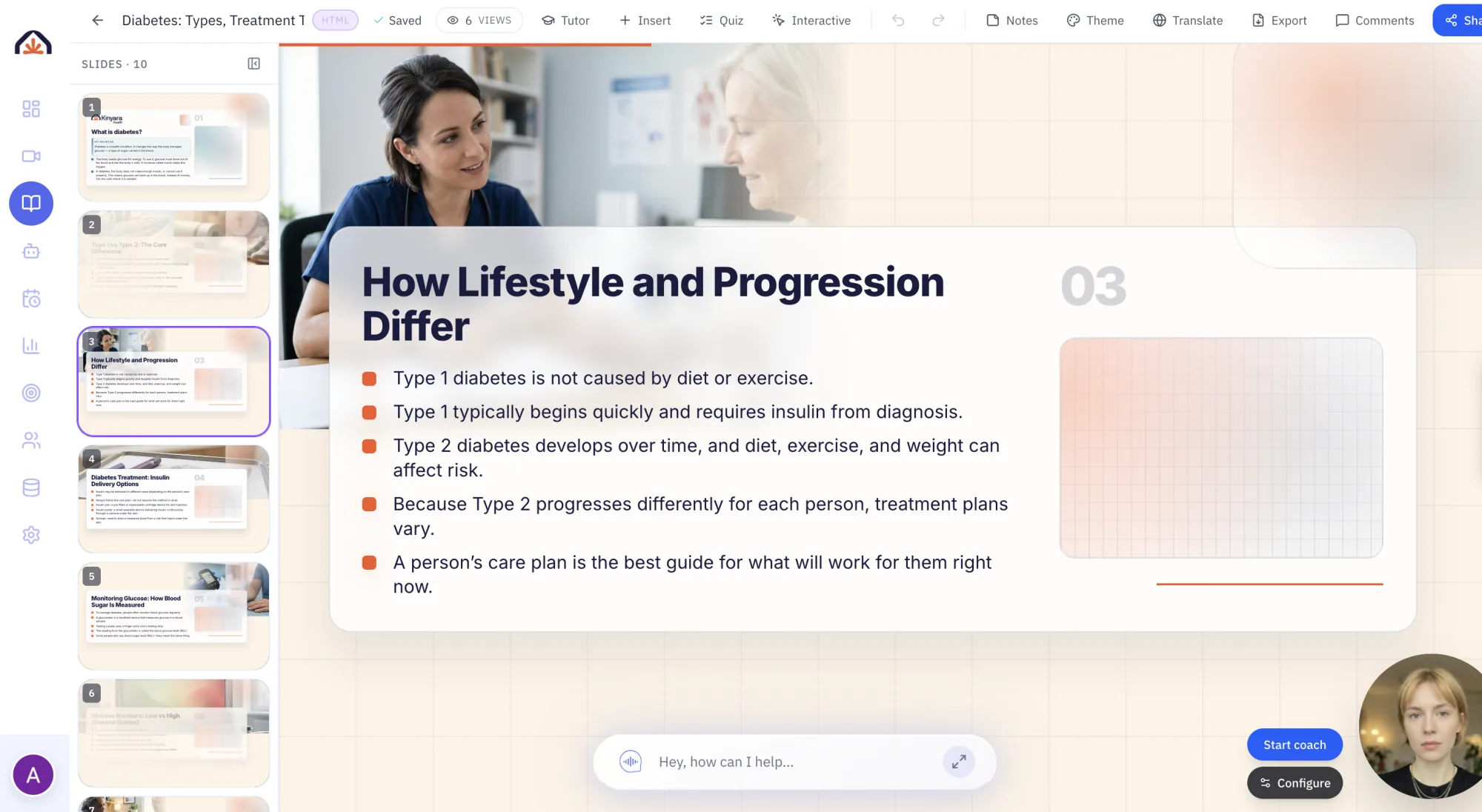


How we compared
Tome Slides (sunset 2025) ratings last reviewed on 21 October 2026. Each row reflects what Tome Slides (sunset 2025)'s published product pages described on that date, and Shiken's own product at the same date. "Not listed" means the capability was not described in those materials; it does not mean the vendor cannot offer it another way. Capabilities and packaging change, and some are tied to specific plans or add-ons. Tome Slides was sunset on 30 April 2025; the Tome column describes the product as it was offered before that date.
Sources checked: G2: Tome (sunset notice), tome.app.
Spotted something out of date? Email info@shiken.ai and we will review it promptly.
Why teams switch from Tome Slides (sunset 2025)
What that looks like in Shiken
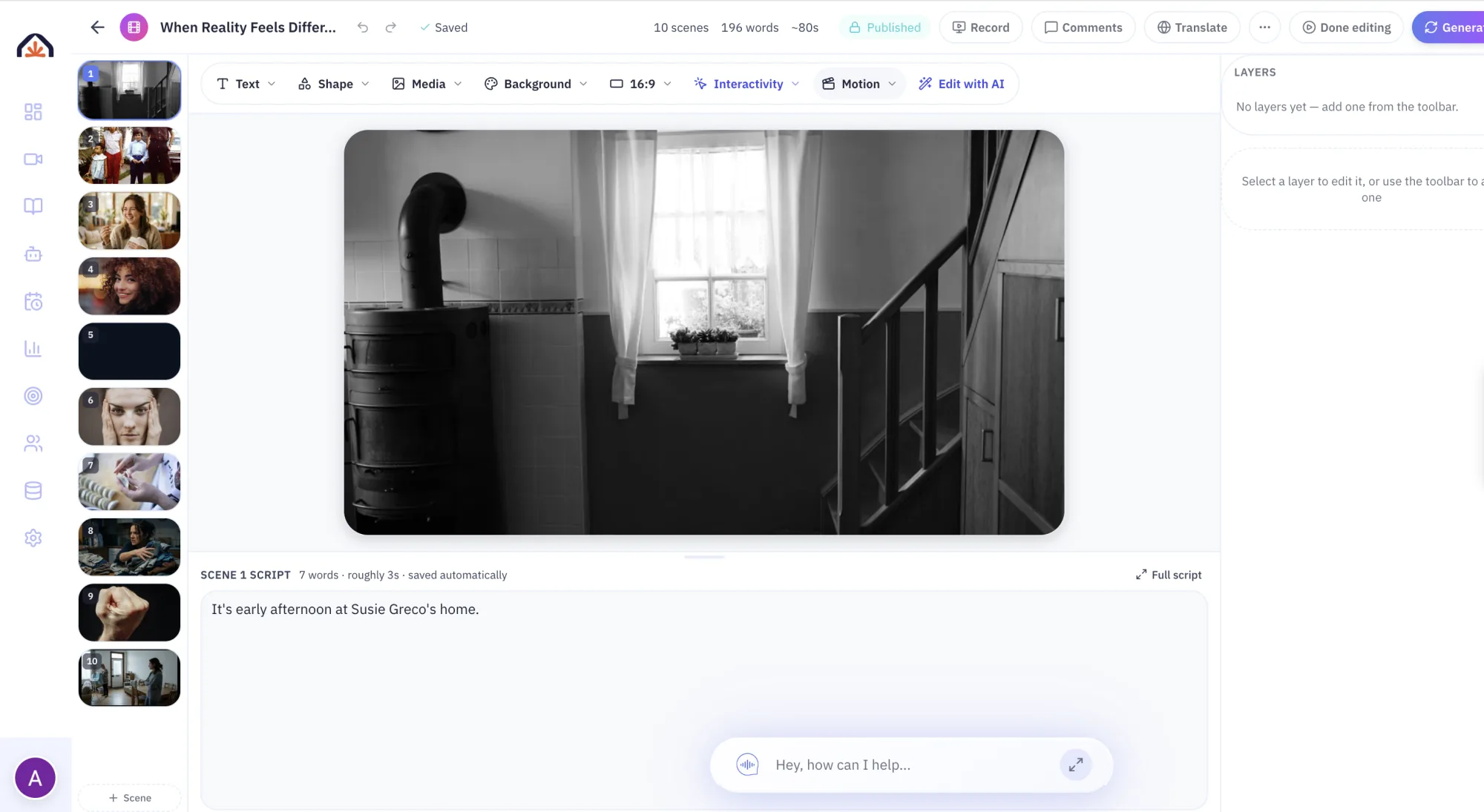
A deck is the start. Shiken turns the same source into video, quizzes and practice without rebuilding it.
Frequently Asked Questions
More ways to compare Shiken
Side-by-side comparisons, checked against each vendor’s published pages.
Not sure if Shiken is right for you? Ask an AI.
Get an honest, outside read. These open your AI assistant with a prompt to weigh Shiken against your team, goals and budget — and tell you if it's a fit, a stretch, or a mismatch.
Opens in a new tab. No account or sign-up required.
Try Shiken Premium for free
Start creating interactive learning content in minutes with Shiken. 96% of learners report 2x faster learning.
Free forever planCancel anytime30k+ learners globally