
MCP Server
Your meetings and notes, inside your AI assistant
Shiken runs a personal Model Context Protocol (MCP) server so you can pull your own meeting recordings, notes and knowledge base straight into Claude, Cursor, or any other MCP-compatible client — no copy-pasting transcripts, no re-uploading files.
What this is
A personal, read-only bridge from your own Shiken data — recent meetings, full transcripts, notes and knowledge base — into whatever MCP-aware AI assistant you already use. It authenticates as you and only ever sees what your account can see, the same way Granola’s or Notion’s MCP servers work.
What this is not
It is not a general developer platform or automation API. If you’re looking to build integrations against organization data — members, groups, content, analytics — that’s a separate REST API and webhook system available to organization admins under Settings → API inside your Shiken workspace.
Available tools
Five read-only tools, scoped to your own account.
list_recent_meetingsList your most recent meeting recordings — id, title, summary, created date and duration.
get_meetingFetch one full meeting by recording ID or meeting bot ID, including its summary, action items and plain-text transcript.
search_notesSearch your notes by free-text query against title and body. Returns matching notes with a snippet.
get_noteFetch one full note by ID — title, text and last-updated date.
search_knowledgeSearch your uploaded documents / knowledge base for a free-text query. Returns matching documents with a snippet.
Connect a client
Point any MCP client that supports Streamable HTTP at the Shiken endpoint below, with your Shiken access token as a bearer header.
Endpoint
https://app.shiken.ai/api/mcpTransport
streamable-httpAuth
Bearer tokenExample client config
{
  "mcpServers": {
    "shiken": {
      "url": "https://app.shiken.ai/api/mcp",
      "transport": "streamable-http",
      "headers": {
        "Authorization": "Bearer <your Shiken access token>"
      }
    }
  }
}
While signed in to Shiken, an authenticated request to https://app.shiken.ai/api/mcp/info returns this same configuration personalized to your account, along with the current tool list — useful if you’re scripting the setup rather than copying it by hand.
What the tools reach
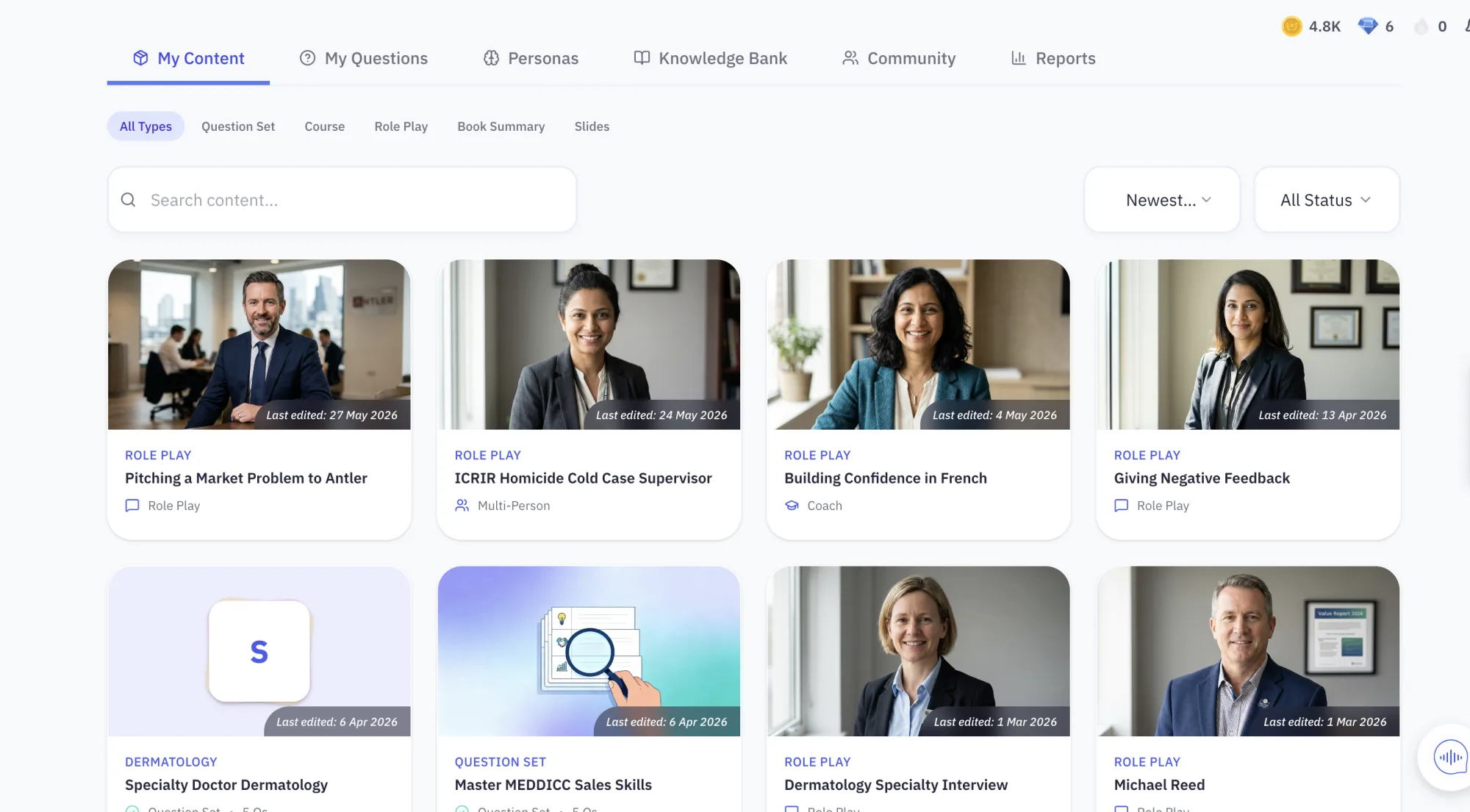
The same content and analytics your team uses
MCP does not expose a separate copy of your data — it reads the library, sessions and reports your organisation already works in.
How access is scoped
Bearer token auth
Every request is authenticated with your own Shiken access token — the same account you sign in with.
Scoped to you
The server reads with your row-level-security permissions, not service-role access. It can only see what your account can see.
Read-only tools
The current tool set only reads meetings, notes and knowledge — it does not create, edit or delete anything in your Shiken account.
MCP Server FAQs
What is the Shiken MCP server?
It is a personal Model Context Protocol (MCP) server that lets you pull your own Shiken meeting recordings, notes and knowledge base into an MCP-compatible AI assistant — Claude Desktop, Cursor, or any other client that supports the Streamable HTTP MCP transport. Think of it like Granola’s or Notion’s MCP servers: a bridge from your existing data into whatever AI tool you already work in, not a way to control your Shiken account.
Is this the same as the public API and webhooks mentioned elsewhere on the site?
No. Shiken separately offers an organization-level REST API and webhooks (for things like syncing members, groups and content programmatically) — organization admins can generate those API keys under their organization’s Settings → API. The MCP server on this page is a different, personal surface: it authenticates as you, not as an organization, and only exposes read access to your own meetings, notes and knowledge base.
What can the MCP tools actually do?
Today there are five read-only tools: list_recent_meetings, get_meeting, search_notes, get_note and search_knowledge. They let an AI assistant look up your recent calls, pull a full transcript and summary, or search your notes and documents — useful for asking things like "what did we agree on the call with Acme last week" directly inside Claude or Cursor.
Does the MCP server ever write or change data in my Shiken account?
No. Every tool currently exposed is read-only — it fetches meetings, notes and knowledge base entries. It cannot create, edit, delete or send anything on your behalf.
How do I authenticate?
The server uses standard bearer-token auth over Streamable HTTP. Your MCP client sends your Shiken access token as an Authorization: Bearer header on every request, and the server enforces the same row-level permissions your account already has — it never reads with elevated or service-role access.
Which AI tools can connect to it?
Any client that supports the MCP Streamable HTTP transport — Claude Desktop, Cursor and similar MCP-aware assistants — by pointing it at the endpoint and header configuration shown above.
Not sure if Shiken is right for you? Ask an AI.
Get an honest, outside read. These open your AI assistant with a prompt to weigh Shiken against your team, goals and budget — and tell you if it's a fit, a stretch, or a mismatch.
Opens in a new tab. No account or sign-up required.
Have meetings and notes in Shiken already?
Sign in and connect your MCP client using the configuration above.
Log in to Shiken