
Best Loom Alternative for Async Video & Learning
Shiken vs Loom
Loom is great for quick async videos and now sends a notetaker to your meetings. Shiken matches the screen and camera recording, AI summaries and meeting capture, and adds bot-free capture, AI coaching, roleplay generation and the ability to turn every recording into training content your organisation can learn from.
Learn More 30k+ learners globallyVideo + meeting recording in one platform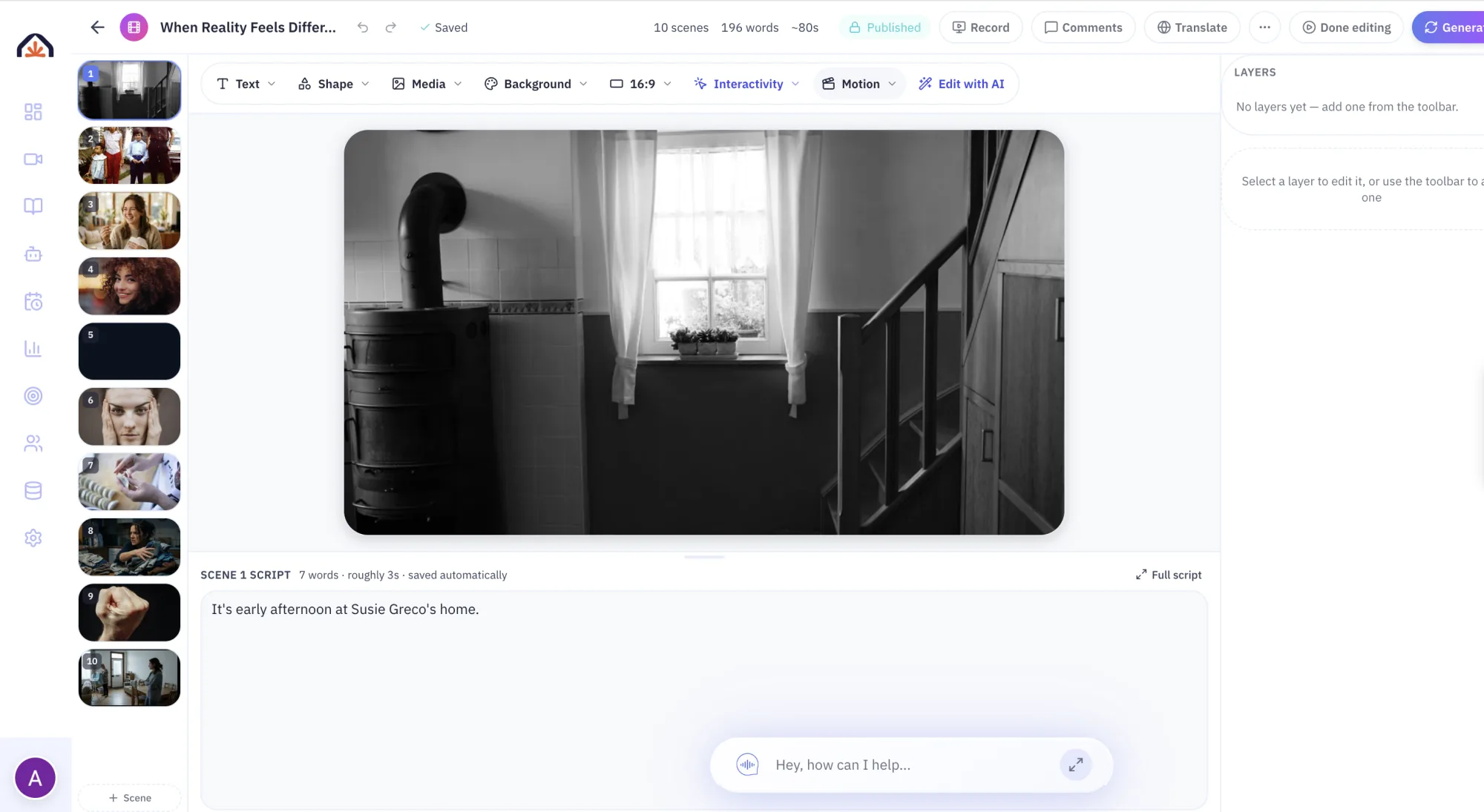


How we compared
Loom ratings last reviewed on 21 October 2026. Each row reflects what Loom's published product pages described on that date, and Shiken's own product at the same date. "Not listed" means the capability was not described in those materials; it does not mean the vendor cannot offer it another way. Capabilities and packaging change, and some are tied to specific plans or add-ons.
Sources checked: loom.com, loom.com/pricing, Loom help: record meetings with Loom AI for Meetings.
Spotted something out of date? Email info@shiken.ai and we will review it promptly.
Why teams switch from Loom
What that looks like in Shiken
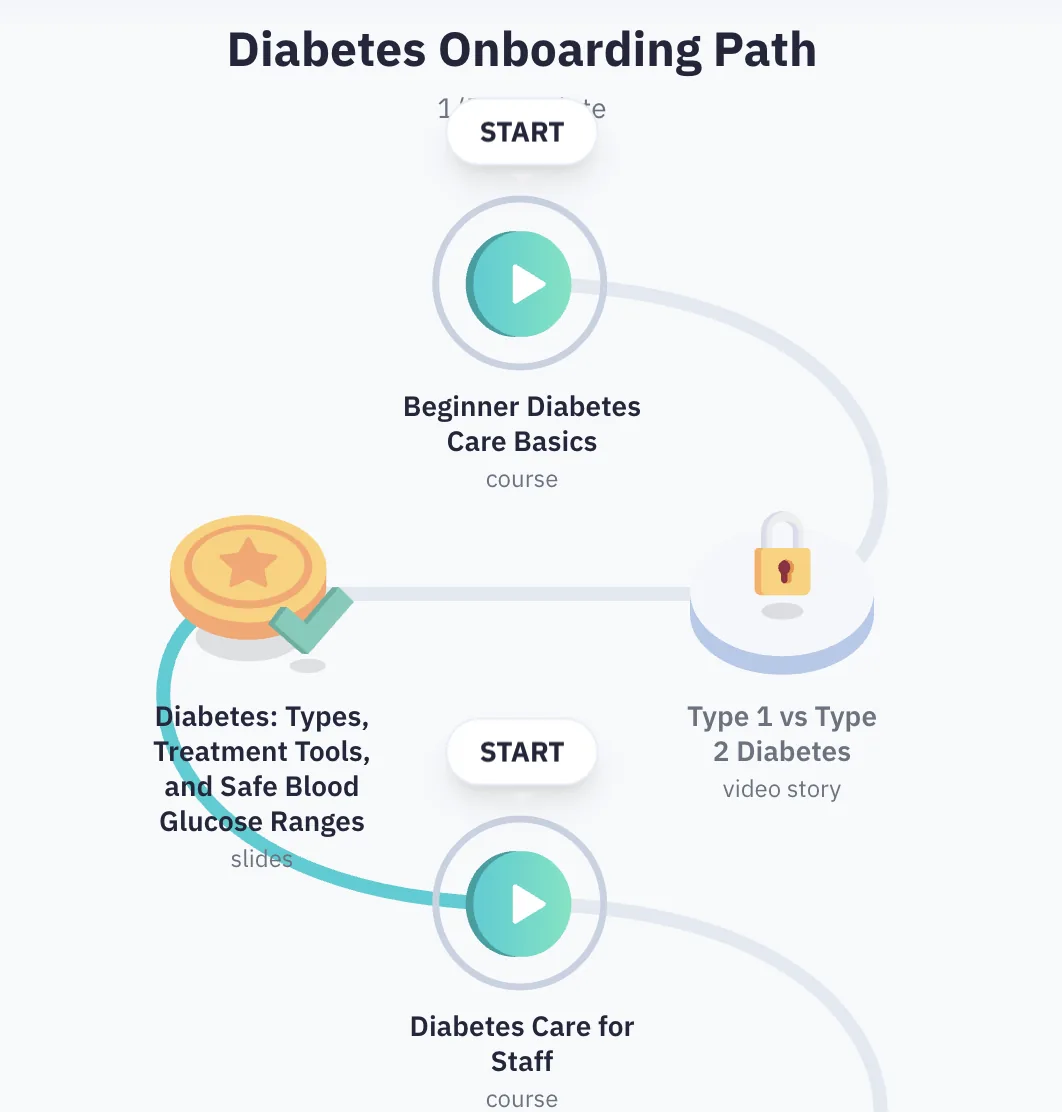
Rendering the video is the easy part. Shiken puts it into a path and tells you whether it landed.
Frequently Asked Questions
More ways to compare Shiken
Side-by-side comparisons, checked against each vendor’s published pages.
Not sure if Shiken is right for you? Ask an AI.
Get an honest, outside read. These open your AI assistant with a prompt to weigh Shiken against your team, goals and budget — and tell you if it's a fit, a stretch, or a mismatch.
Opens in a new tab. No account or sign-up required.
Try Shiken Premium for free
Start creating interactive learning content in minutes with Shiken. 96% of learners report 2x faster learning.
Free forever planCancel anytime30k+ learners globally